
Electronic voting for your general meeting
With CONTAVOX, your members vote on their own phones at Eventforum Bern, in the hall and online. Each person has their own login, the result appears on the LED walls and in the broadcast, and at the end all results are available as a PDF. We developed CONTAVOX at the Eventforum, and our team supports it on the day of the meeting.

Vote on your own phone, no app
In the hall and online with Zoom
Secret or by roll call
Elections with several seats
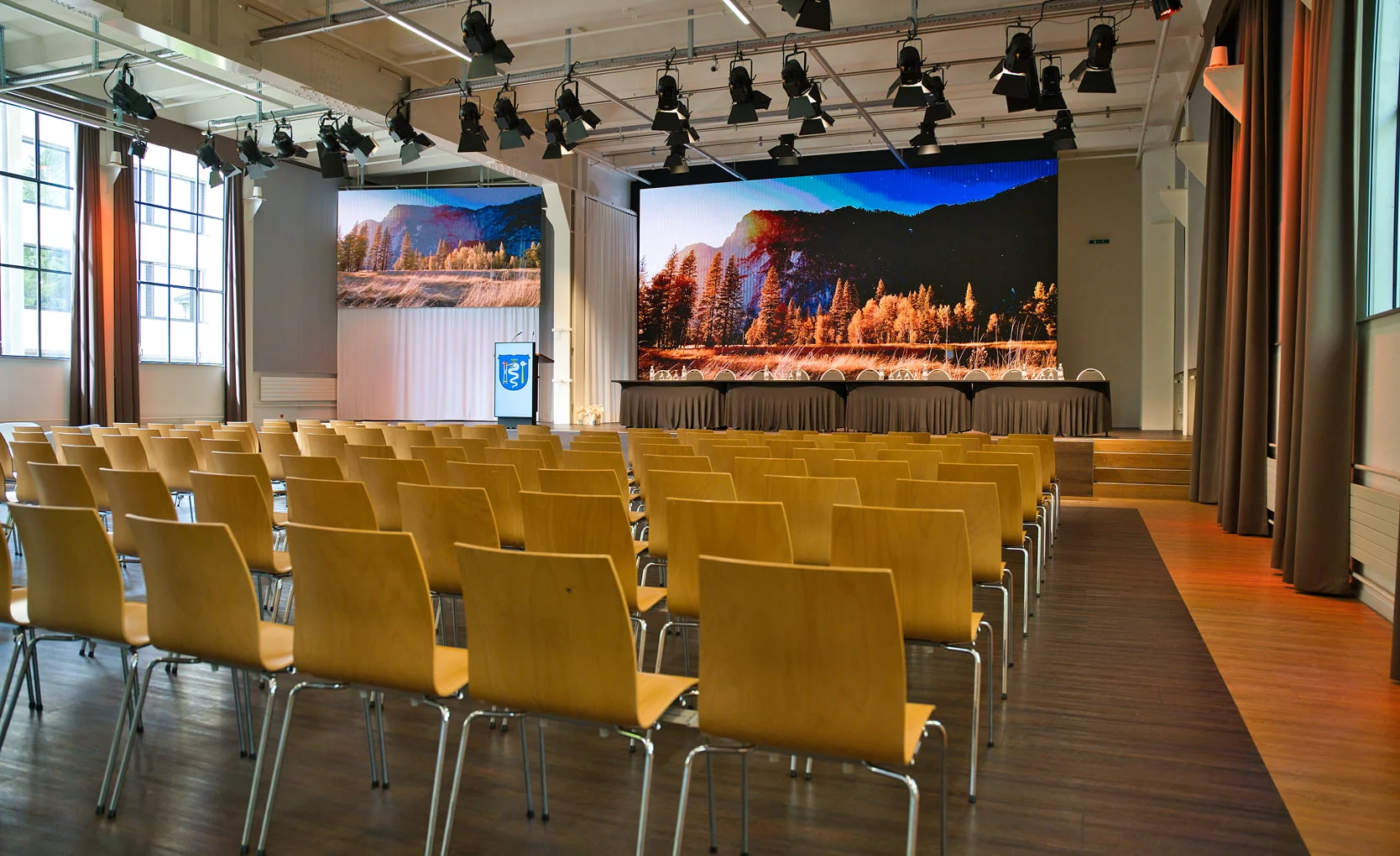
Result on the LED walls
Quote within 12 hours
Vote, elect and speak in one app
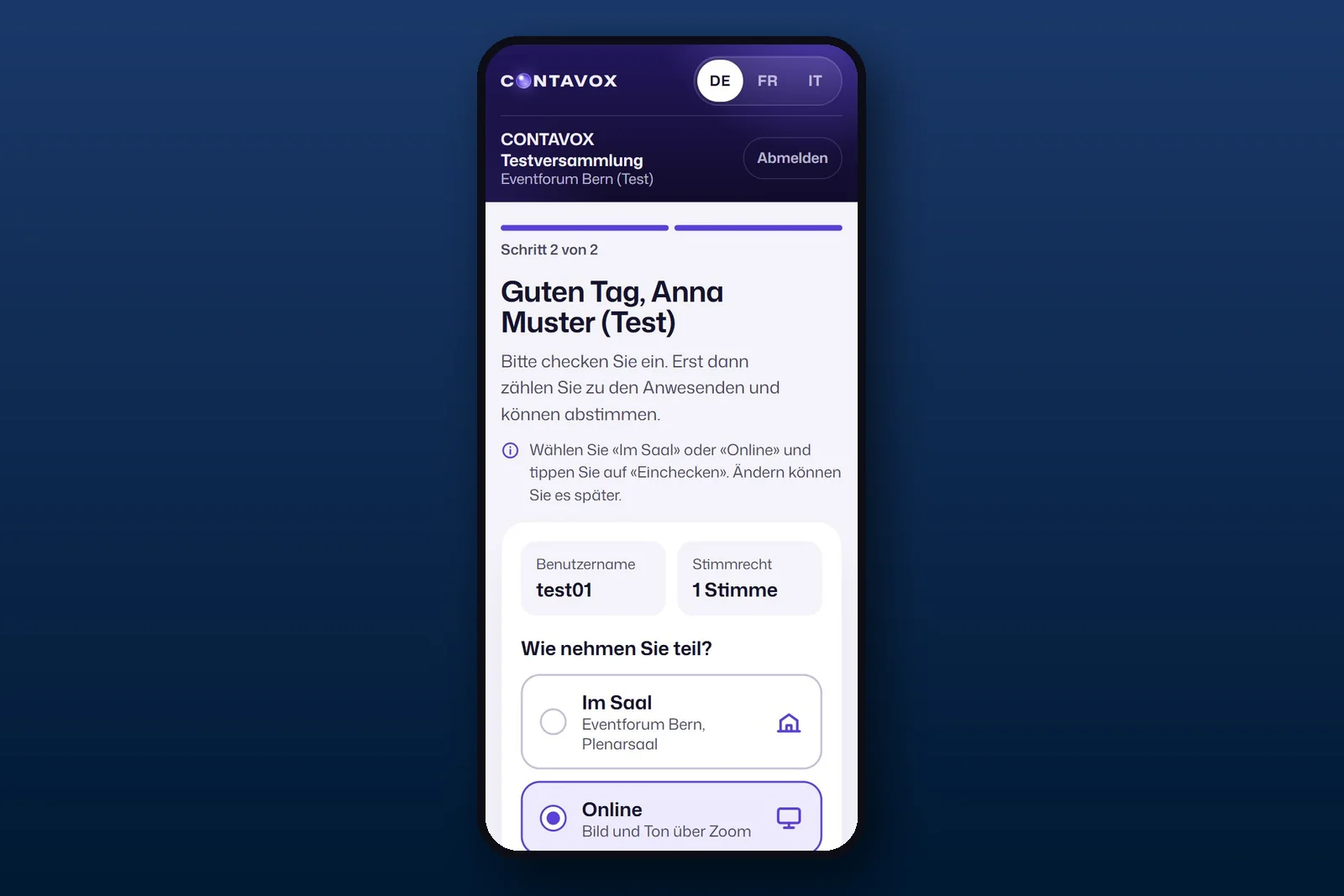
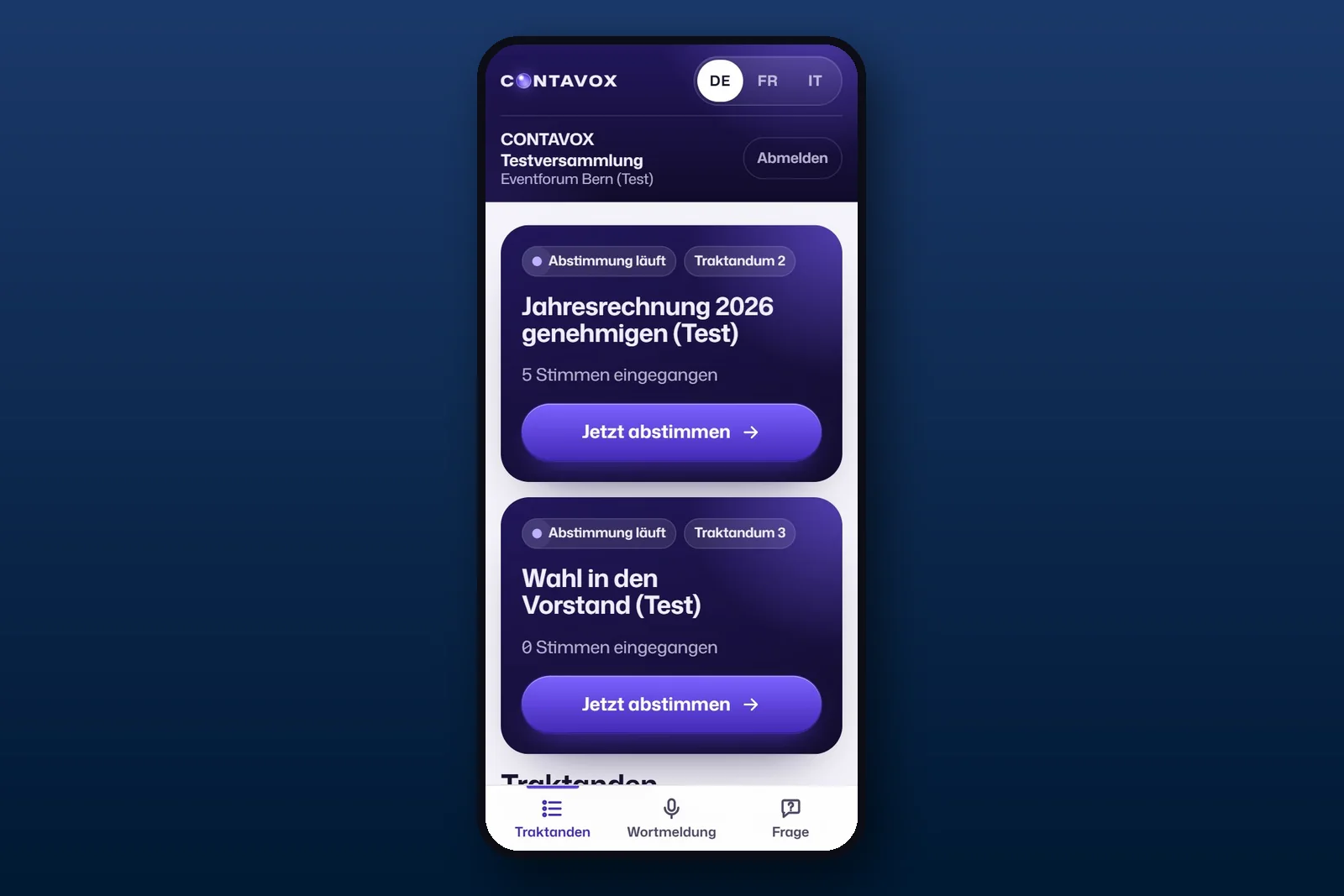
CONTAVOX runs in the browser on a phone, tablet or laptop. Your members log in with the details from the notice of meeting and check in “in the hall” or “online”. Only members who have checked in can vote, and each person has one vote.
Vote
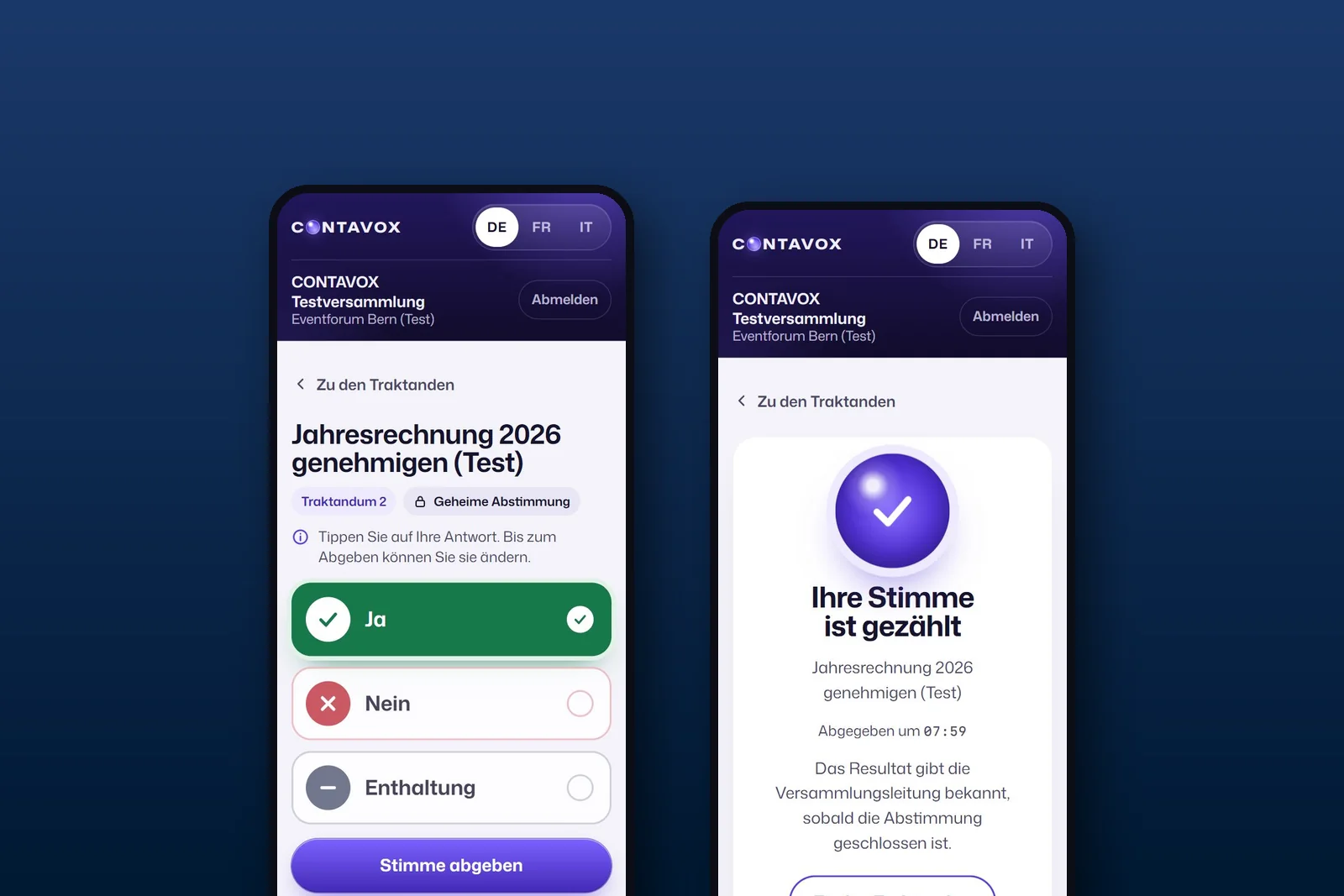
Tap yes, no or abstain and cast the vote. After that the app only shows “Your vote has been counted”. In a secret ballot the vote is counted without a name.

Secret or by roll call
Elect
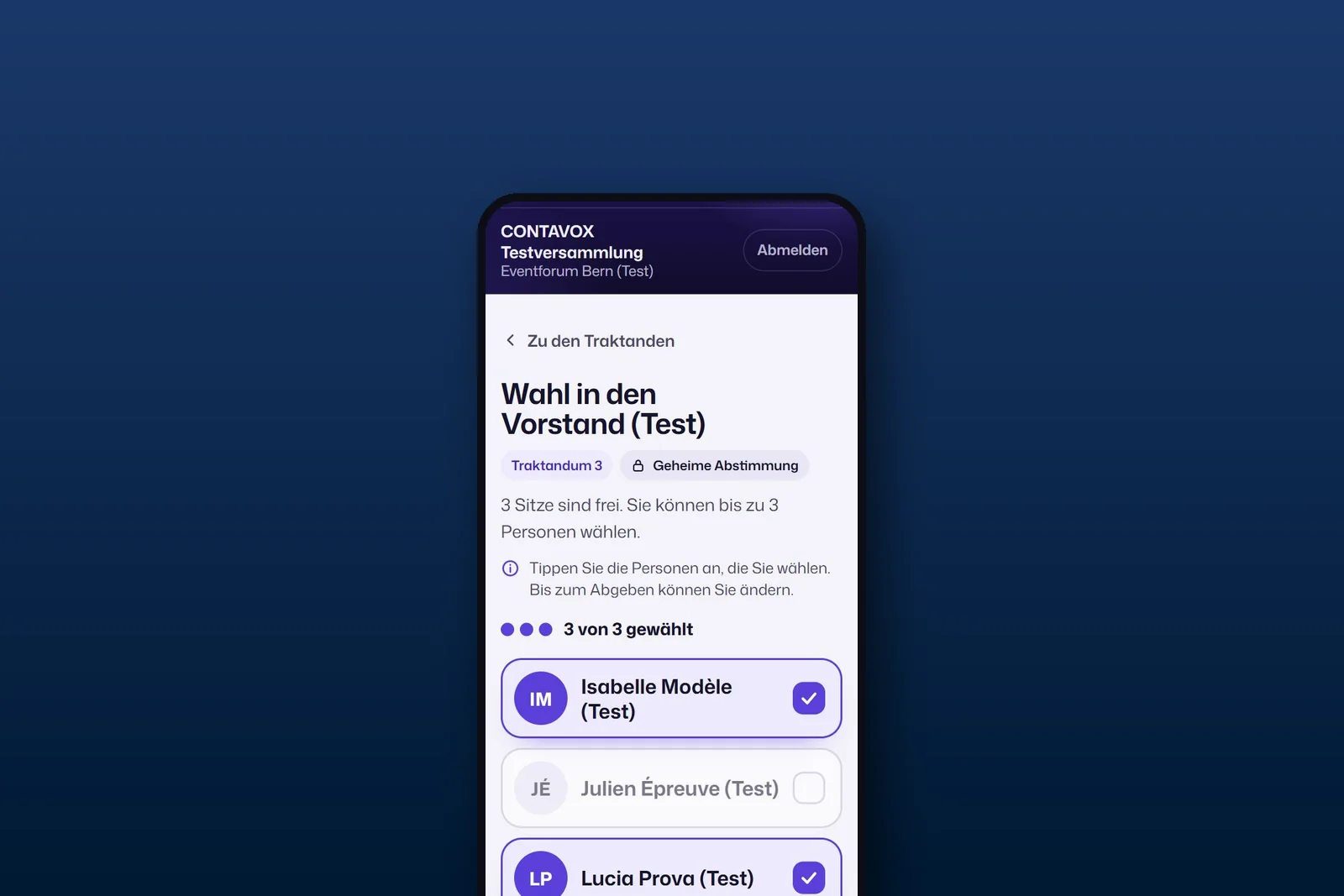
Even when several seats are open: members tap the people they choose, the app counts along and does not accept more than there are seats.
Board elections
Speak
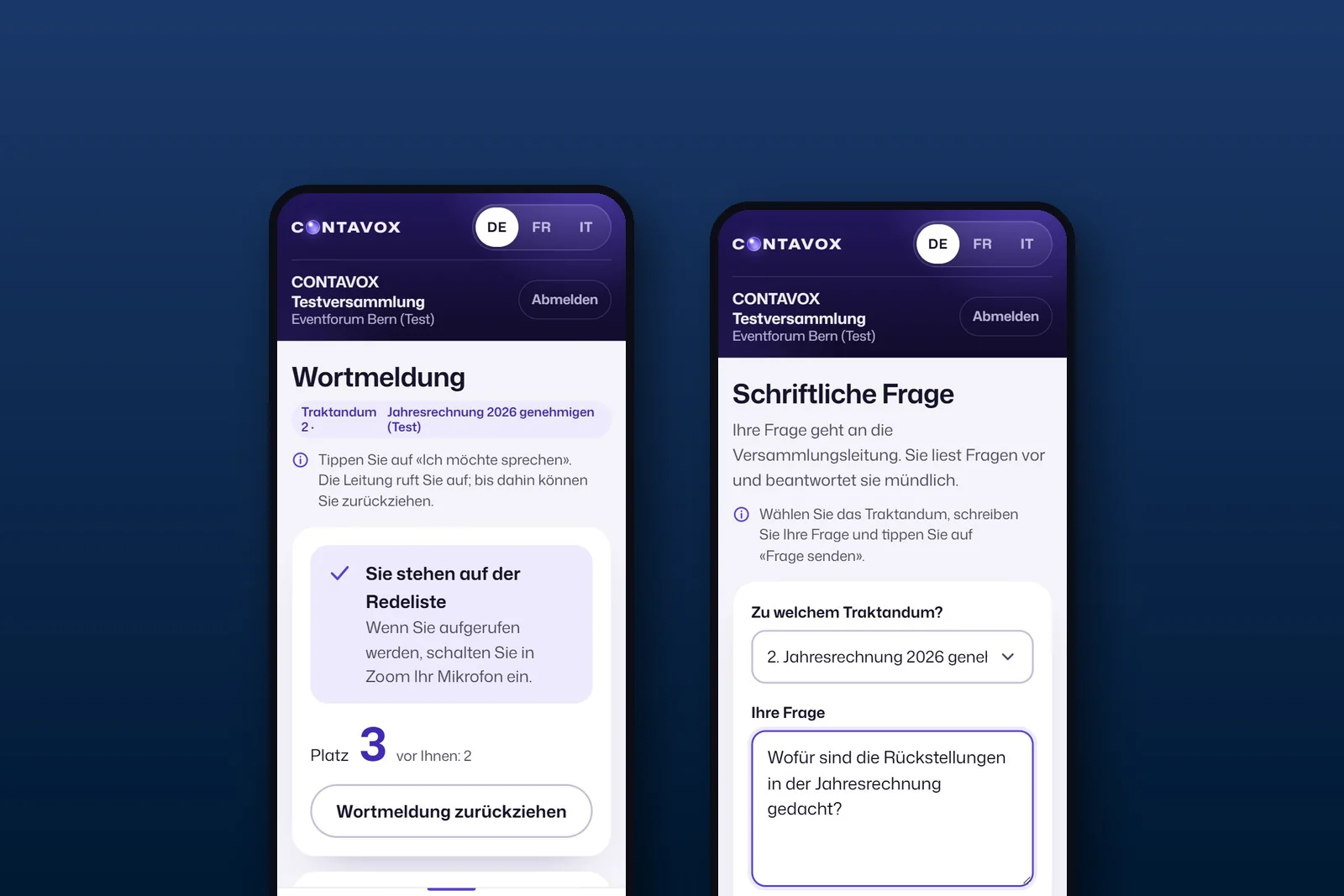
Requests to speak go onto the speakers’ list in the app, from the hall and online. Questions can also be asked in writing, with or without a name.
Speakers’ list for hall and online
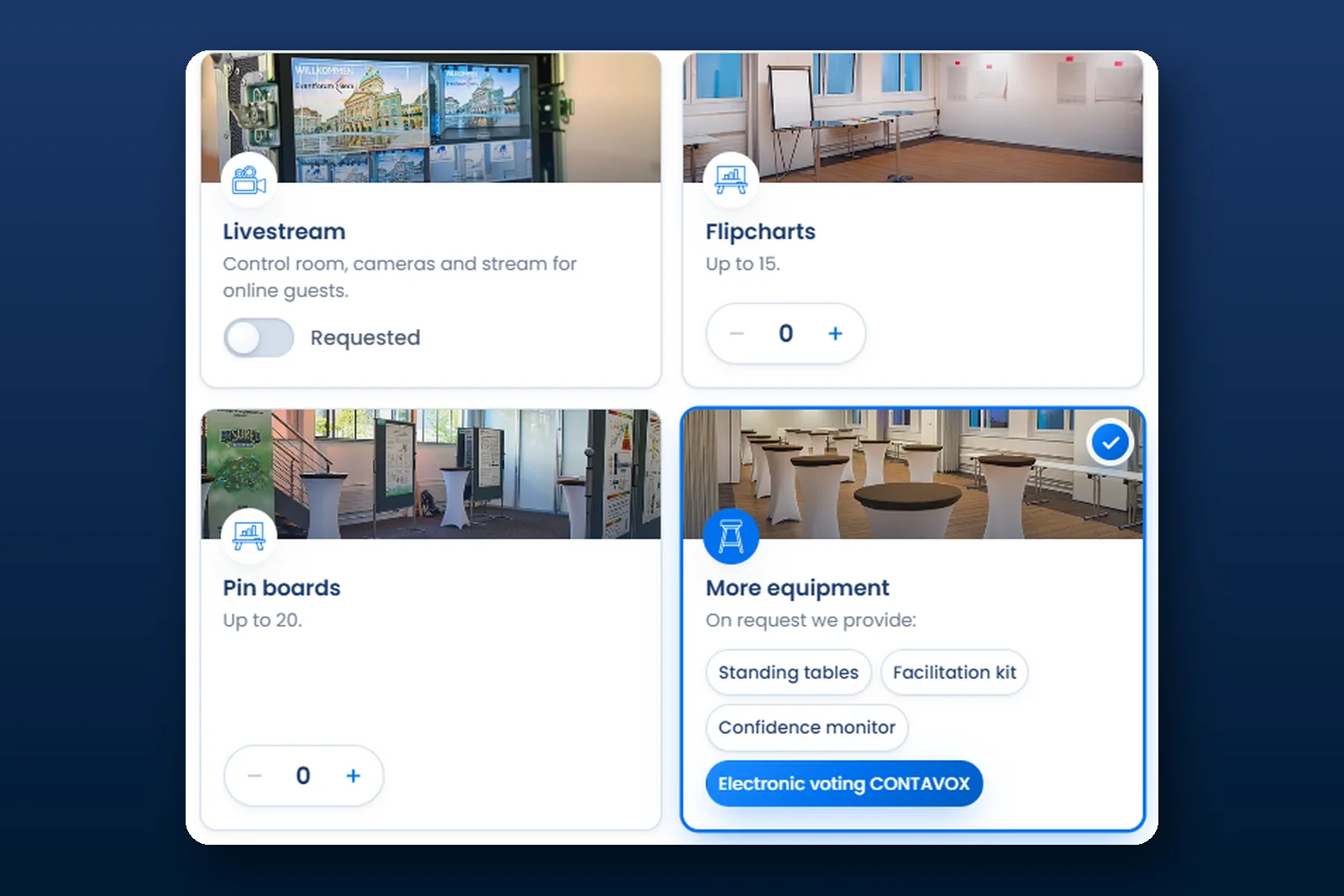
Planning a general meeting, members’ meeting or delegates’ assembly? Choose electronic voting under “More equipment” in the booking request, and you will receive a first quote within 12 hours.
Make an enquiryIn the hall and online in the same meeting
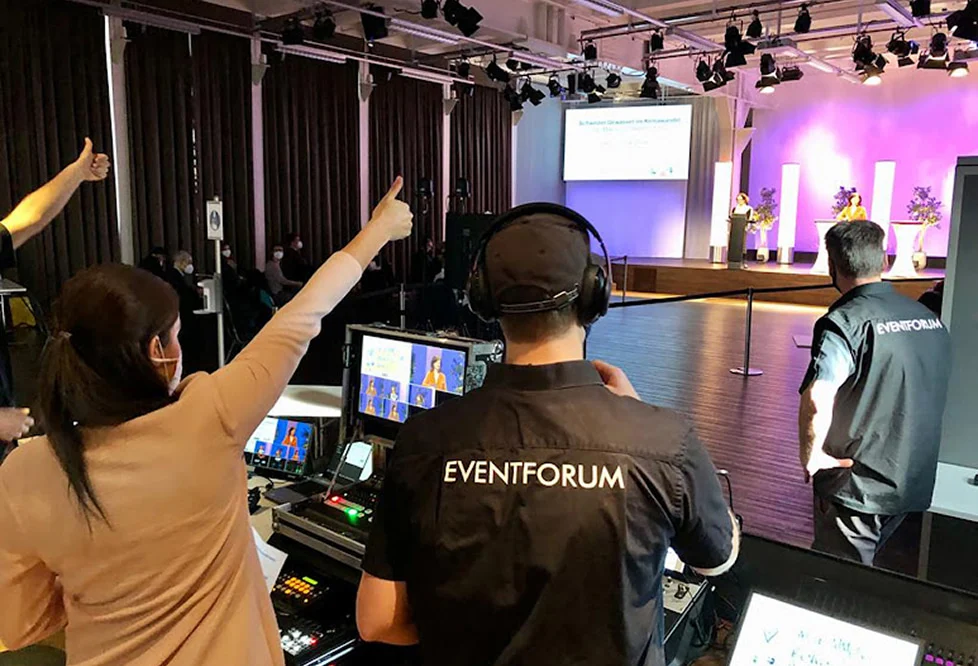
In the hall, your members follow the meeting directly and vote on their phones. Those taking part online follow the meeting in Zoom and vote in CONTAVOX at the same time. All votes are counted together.
Your articles of association determine whether your meeting may take place online or in a hybrid format. More in the guide The general meeting of an association.
In the hall
Members vote on their own phones, and the result then appears on the LED walls on stage. Anyone who wants to speak signs up in the app, and the team brings the microphone.

Online with Zoom
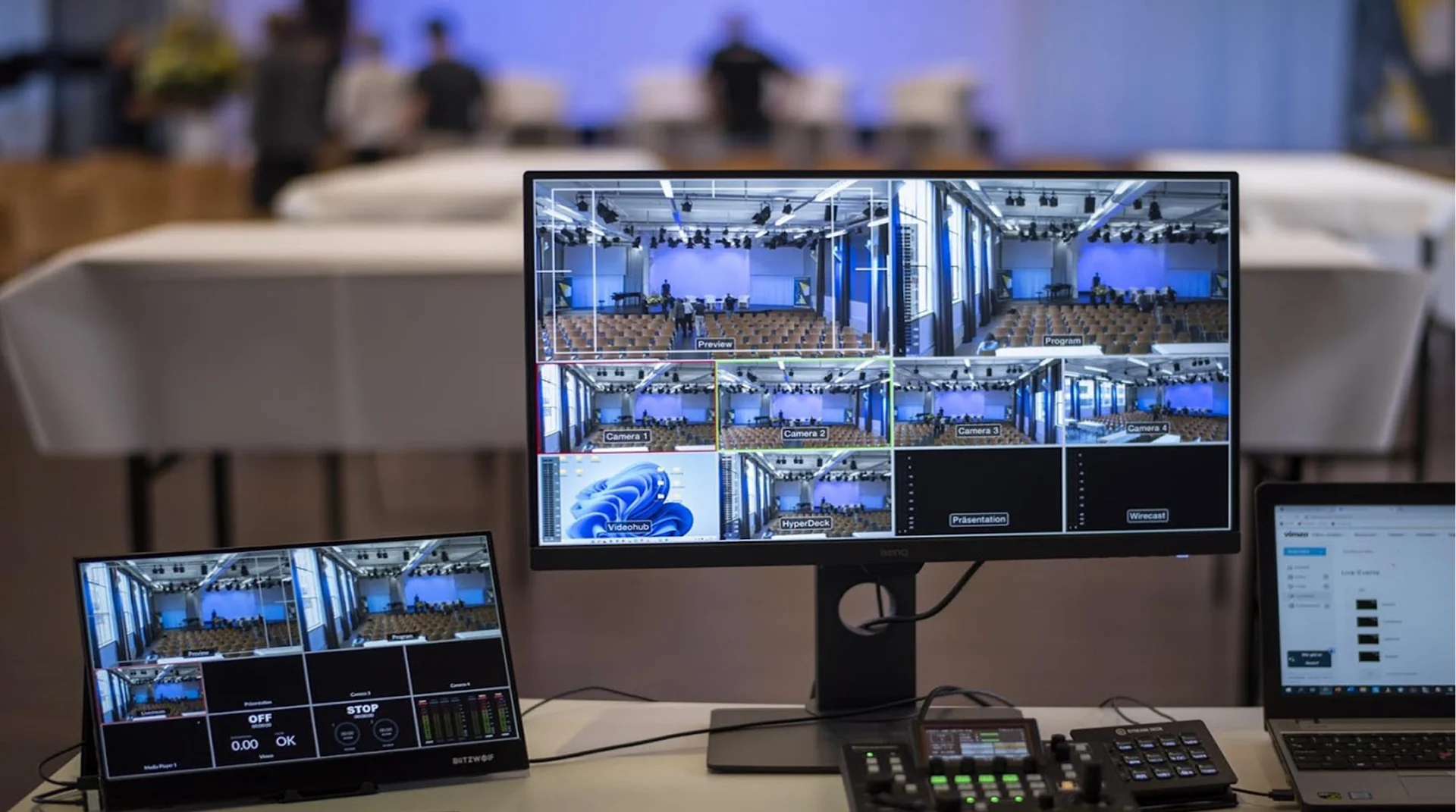
Zoom for picture and sound, CONTAVOX for the vote. If Zoom fails, voting still works. The broadcast technology is described on the page Hybrid and livestreaming.
Book and prepare electronic voting
From the request to the result in three steps. Our team supports you.
1. Request and quote
- Choose electronic voting under “More equipment” in the booking request
- In the comments: number of members entitled to vote, hall only or also online
- Quote within 12 hours
2. Preparation
- Enter the agenda and motions, with the text in German, French and Italian
- Import the member list, each person receives their own login
- Send the notices of meeting, we help with this
- A few days before, a test vote that does not count
3. On the day of the meeting
- The chair of the meeting opens and closes the votes on a laptop
- CONTAVOX counts the votes and shows yes, no and abstain; the chair announces according to your articles of association whether a motion is accepted or rejected
- At the end, all results as a PDF for the minutes
Everyone sees the result: in the hall and in the broadcast
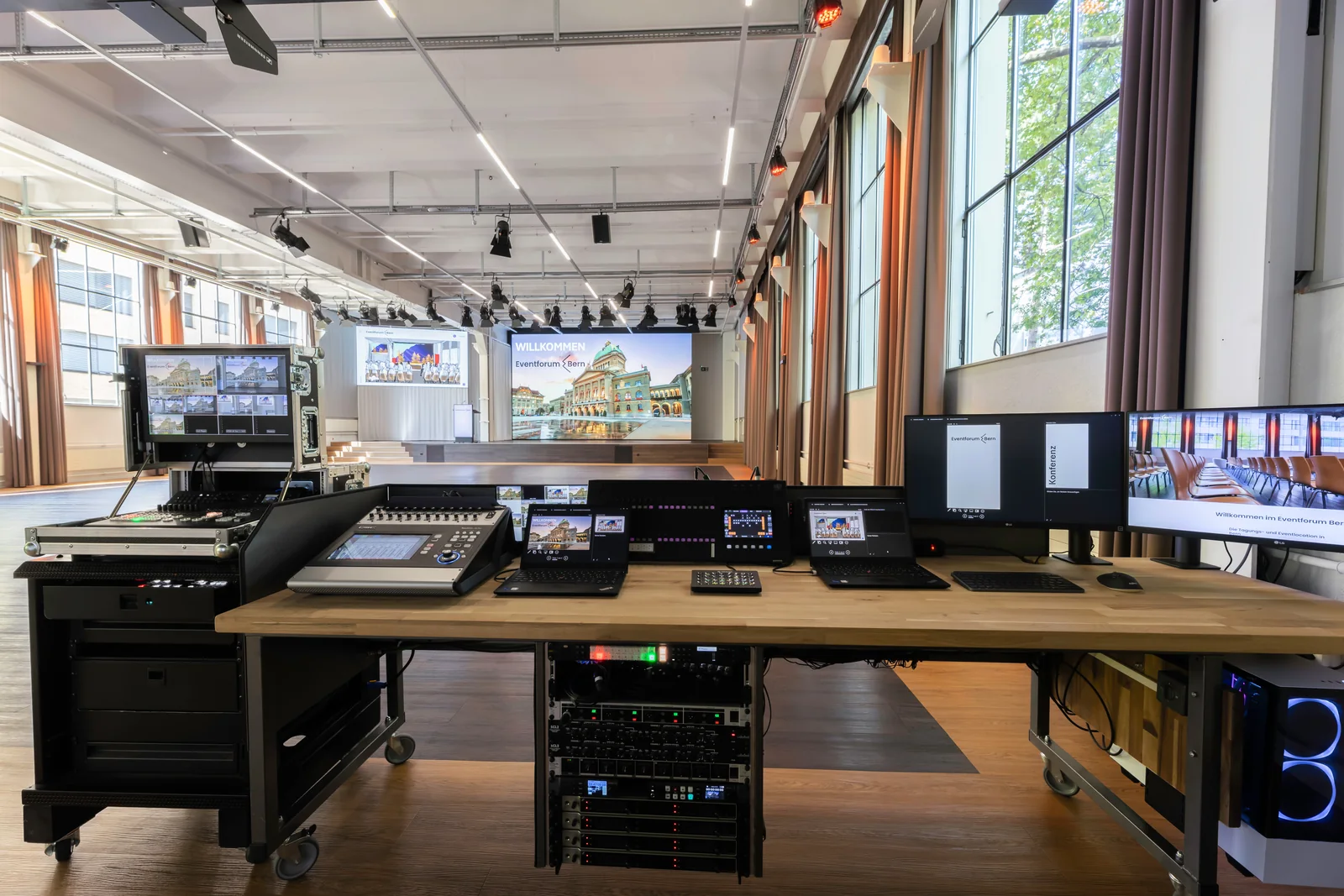
When the chair announces a result, it appears for the members in the app, on the LED walls in the hall and in the broadcast. In a secret ballot, all of them only show the totals.
The result graphic shows yes, no and abstain in German, French and Italian. Next to it, the two 4K LED walls on stage show the agenda and documents.


For associations, federations and cooperatives
CONTAVOX is made for general meetings, members’ meetings and delegates’ assemblies. The event hall holds up to 380 people in theatre style and 136 at seminar tables, and reception and check-in take place in the foyer. The programme is described on the page General meetings and delegate assemblies in Bern.
For multilingual meetings, your team interprets in our interpreting booths, or you book PONTAVOX, our AI interpreting. contavox.ch shows step by step how your members vote (in German, French and Italian).
Frequently asked questions about electronic voting
Can we vote electronically at our general meeting?
Yes, with CONTAVOX, our own voting system. Your members vote on their own phones, in the hall and online. You add it in the booking request under “More equipment”; it is quoted separately.
Do members need an app?
No. CONTAVOX runs in the browser on a phone, tablet or laptop. Members open the link in the notice of meeting and log in with their personal details.
Does a secret ballot stay secret?
Yes. In a secret ballot the vote is counted without a name, only the totals are shown, and the device does not keep the answer. In a roll-call vote, everyone sees the list of votes after it closes. The type of vote is shown on screen before voting.
Can members take part and vote online?
Yes, if your articles of association allow it. Those online follow the meeting in Zoom and vote in CONTAVOX at the same time. Votes from the hall and online are counted together.
How does CONTAVOX prevent double votes?
Each member has their own login and must be checked in. Once a member has voted, the buttons disappear, and CONTAVOX does not accept a second vote.
Who determines whether a motion is accepted?
The chair of the meeting, according to the rule in your articles of association, for example a simple or absolute majority. CONTAVOX counts the votes and shows yes, no and abstain, and the chair announces the result. The terms are explained in the guide The general meeting of an association.
In which languages is CONTAVOX available?
The app is available in German, French and Italian, and members switch at the top right. The agenda and motions are entered with the text in German, French and Italian.
What happens if the connection drops?
Reload the page or open the link again. A vote that has been cast stays counted, and if the vote is still open, it can be cast later. Zoom and CONTAVOX are separate: if Zoom fails, voting still works.