
File delivery for your event
Every event at the Eventforum Bern gets its own link. You simply drag in your presentations, videos and logos, large files and whole folders too, without an account. Everything goes straight to the technical team, into your event’s folder, and you can see at any time what has arrived.
Animated image: three files travel encrypted from the client’s upload page to the Eventforum Bern technical team, then the stage with its LED wall is ready.
Its own link for every event
No account, no app
Large videos and whole folders
Carries on after an interruption
Straight to the technical team
Encrypted transfer
One link instead of emails and transfer links
Large presentations fill up inboxes, transfer links expire, and shortly before the event someone is looking for the latest version. With file delivery, every event has one fixed place for its files: the link you receive from us.
Drag and drop
Drag files or whole folders onto the page, add a note if you like, done. Large videos are uploaded in parts, and the page shows progress and the time remaining.
Presentations · 4 fileseventforumbern.ch/dateien/JT27-4K8M-2Q9FDrag your files hereor choose files- Keynote_Mueller.pptxarrived
- Programme_day1.pdfarrived
- Logo_Association.svgarrived
- Break_clip.mp4arrived
Several gigabytes too
Carries on after a dropout
If the connection drops, on the train for example, the page waits and carries on by itself. If the page was closed, choose the same file again and the upload continues where it stopped.
eventforumbern.ch/dateien/JT27-4K8M-2Q9FArrivedOpening_film_4K.mp43.8 GB · video100 %3.8 GB in your event folderResume for up to six days
With the technical team
Every file goes into your event’s folder, where the technical team prepares the event. On your page you can see what has arrived, with name, size and time.
 Annual Conference 2027 ›Client files
Eventforum Bern technical team
- PPTXKeynote_Mueller.pptx142 MB · 08:12Note: slide 12 has a video
- MP4Opening_film_4K.mp43.8 GB · 08:31Note: plays before the keynote, with sound
- SVGLogo_Association.svg48 KB · 08:33for the welcome slide and lectern
- PDFProgramme_day1.pdf4 MB · 08:40latest version
In your event’s folder
Planning an event at the Eventforum? You receive the link from us as soon as your event is booked in. The first quote arrives within 12 hours.
Make an enquiryWith a link or sent directly
Your event has its own link. If you don’t have it to hand, enter your code on the Files page or request a sign-in link by email. You will then see all your open events.
It works without a link too: enter your email address and drag in the files.
With your event link
The link is valid until one week after the event. Pass it on within your team: anyone who has it can upload. The files go straight into the event’s folder.
Send without a link
Up to 5 GB per file and 20 GB per day. Using your email address and a note, we assign the files to the right event. You will not receive a confirmation email.
eventforumbern.ch/dateien/sendenSend files without a link
Email addressanna.muster@verband.chNoteAnnual Conference 2027, keynote slides- Keynote_Mueller.pptxarrived
How file delivery works
From the link to the presentation on stage in three steps.
1. Receive the link
- As soon as your event is booked in, it has its own link
- Don’t have it to hand? Enter the code on the Files page or request a sign-in link by email
- If several people deliver files, pass the link on within your team
eventforumbern.ch/dateienI have a code
Enter your code
CodeJT27-4K8M-2Q9FContinueFiles for your event
Annual Conference 2027
Drag your files hereor choose filesYour event page is open2. Upload
- Drag in files and folders, ideally a few days before the event
- Add a note, for example “The video plays before the keynote, with sound”
- New version? Upload it with a clear name, such as “Keynote_v2.pptx”

3. On the day
- The technical team has your files before the event and prepares them
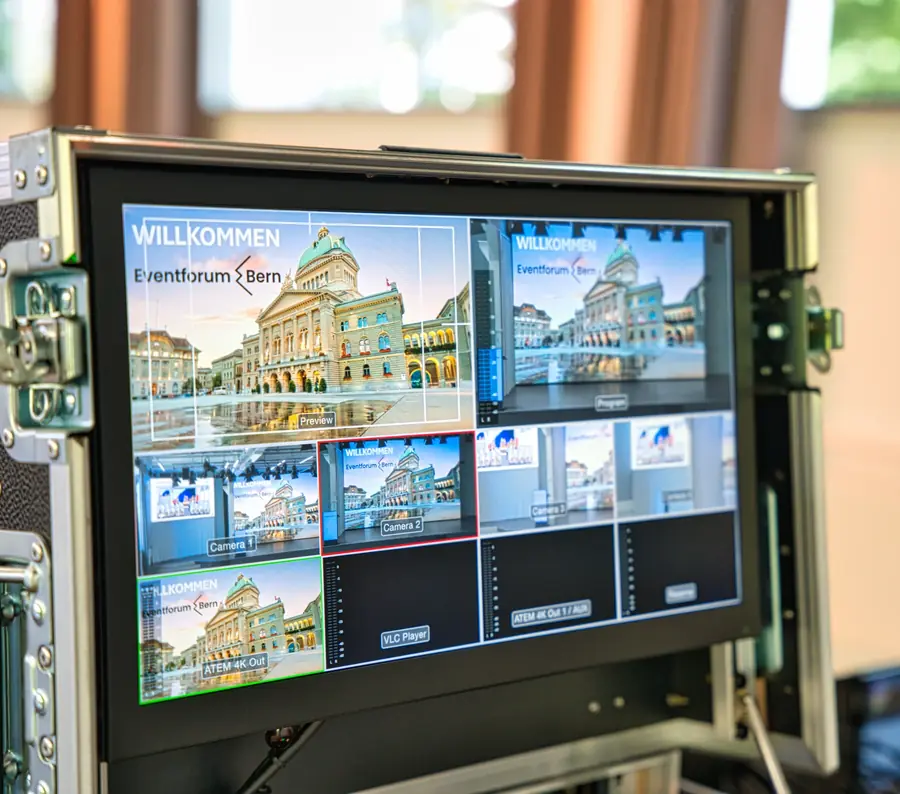
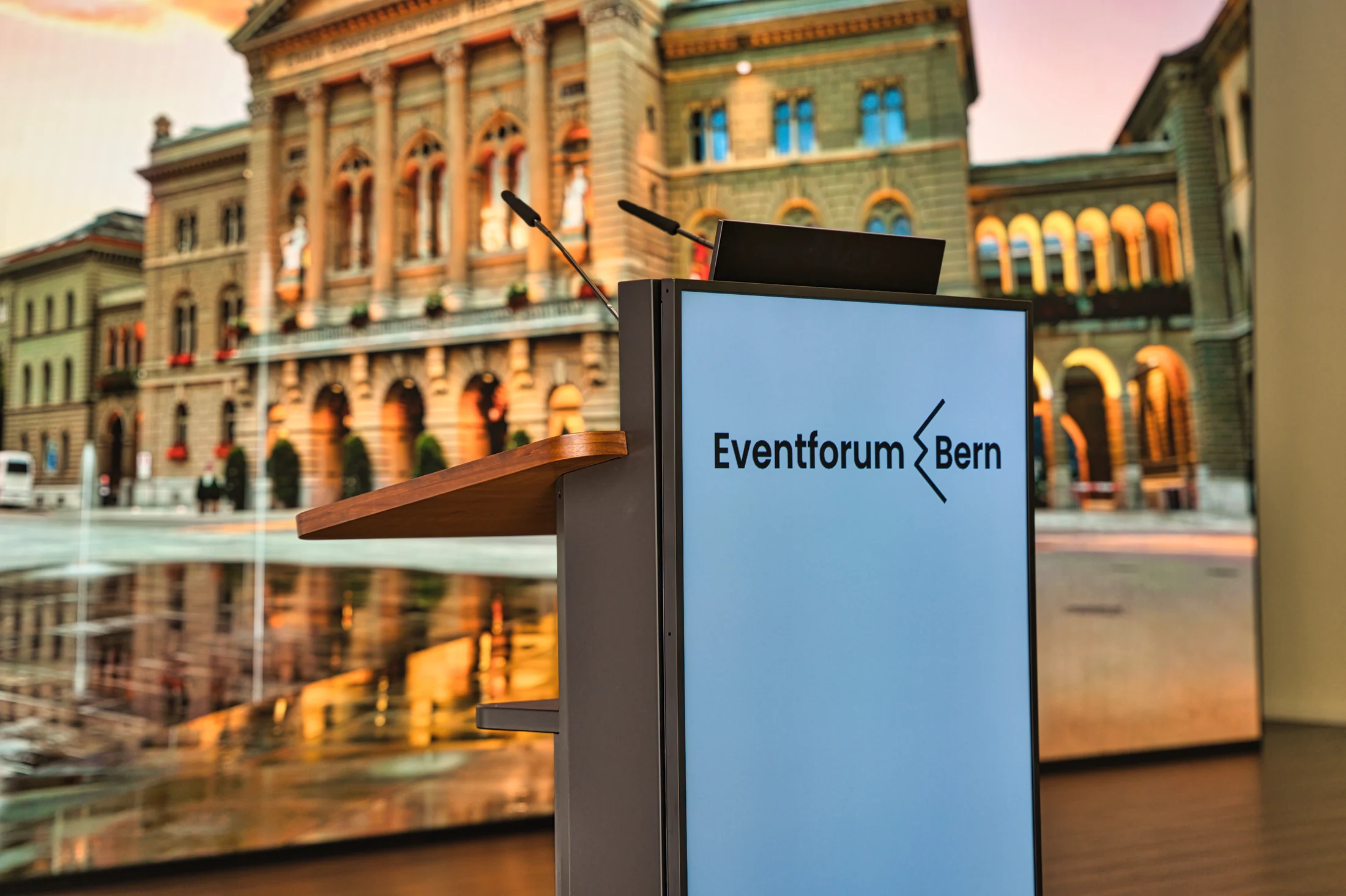
- Presentations run on the two 4K LED walls on stage
- Changes on the day are agreed with the team on site

No transfer link that expires
Transfer services delete files after a few days, large attachments don’t arrive, and links sit in inboxes nobody has open on the day. With file delivery, everything is in one place, where the technical team prepares the event.
Files are transferred encrypted and are visible only to the Eventforum Bern team. Anyone with the link only sees which files have arrived.


Part of event technology at the Eventforum
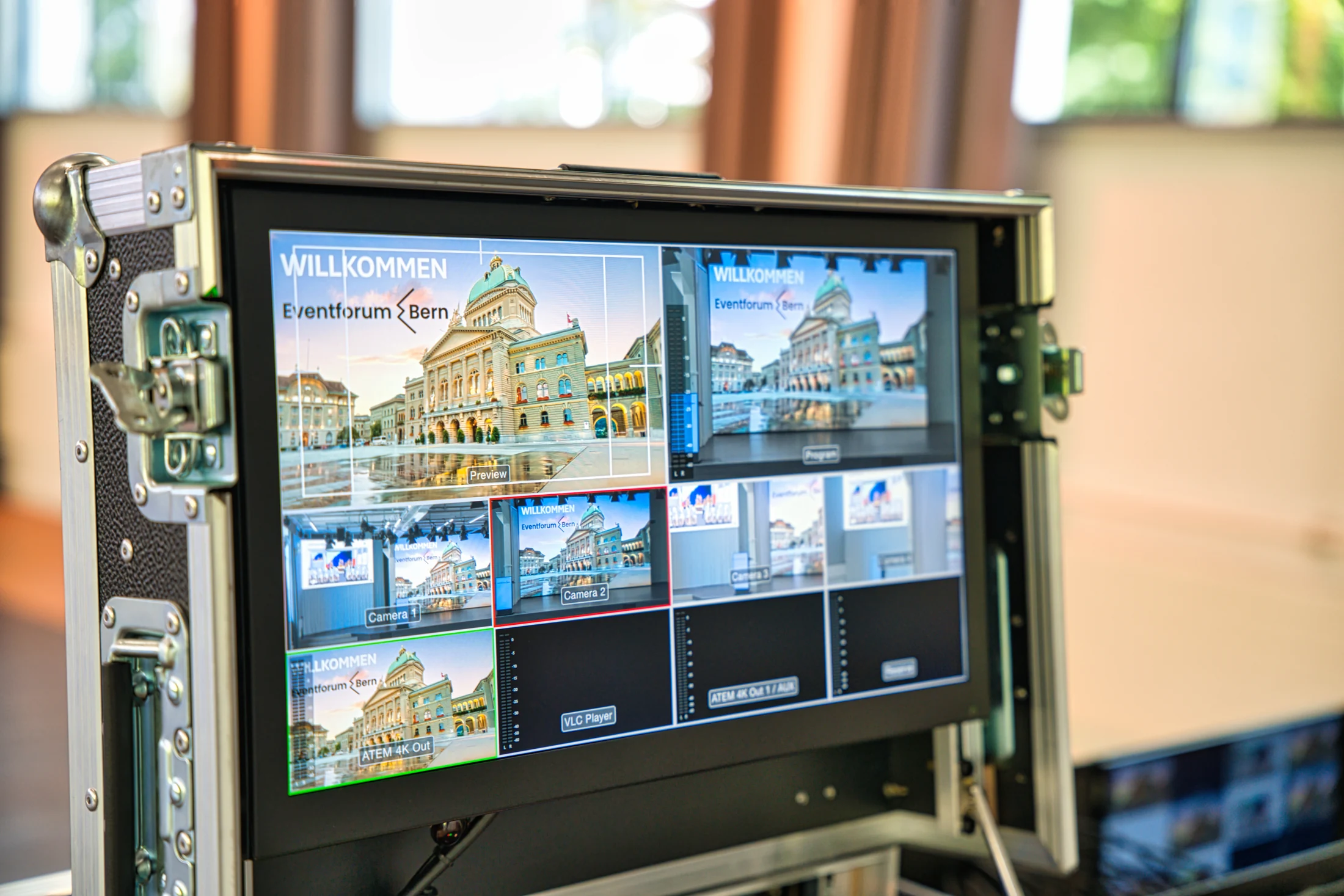
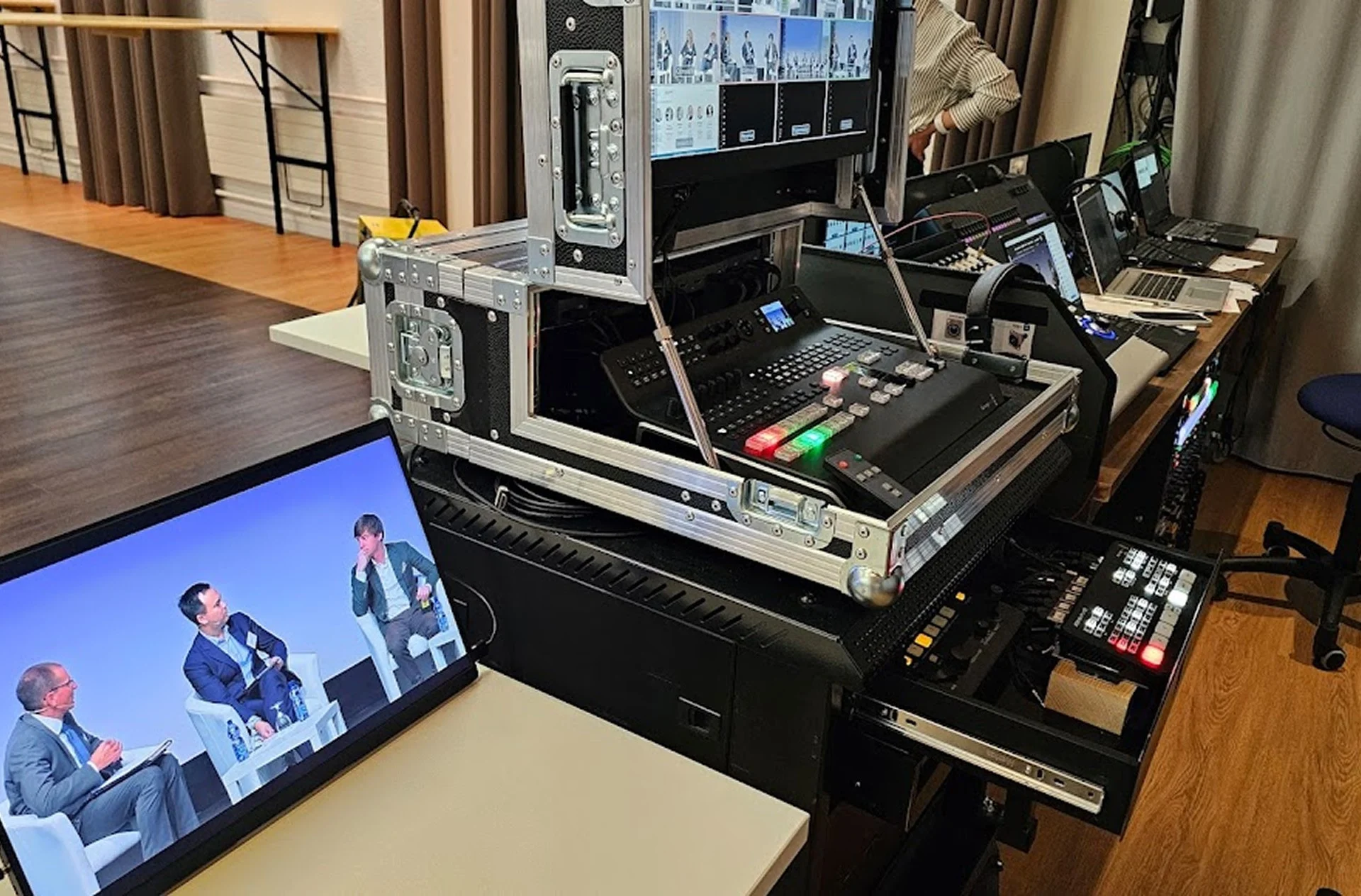
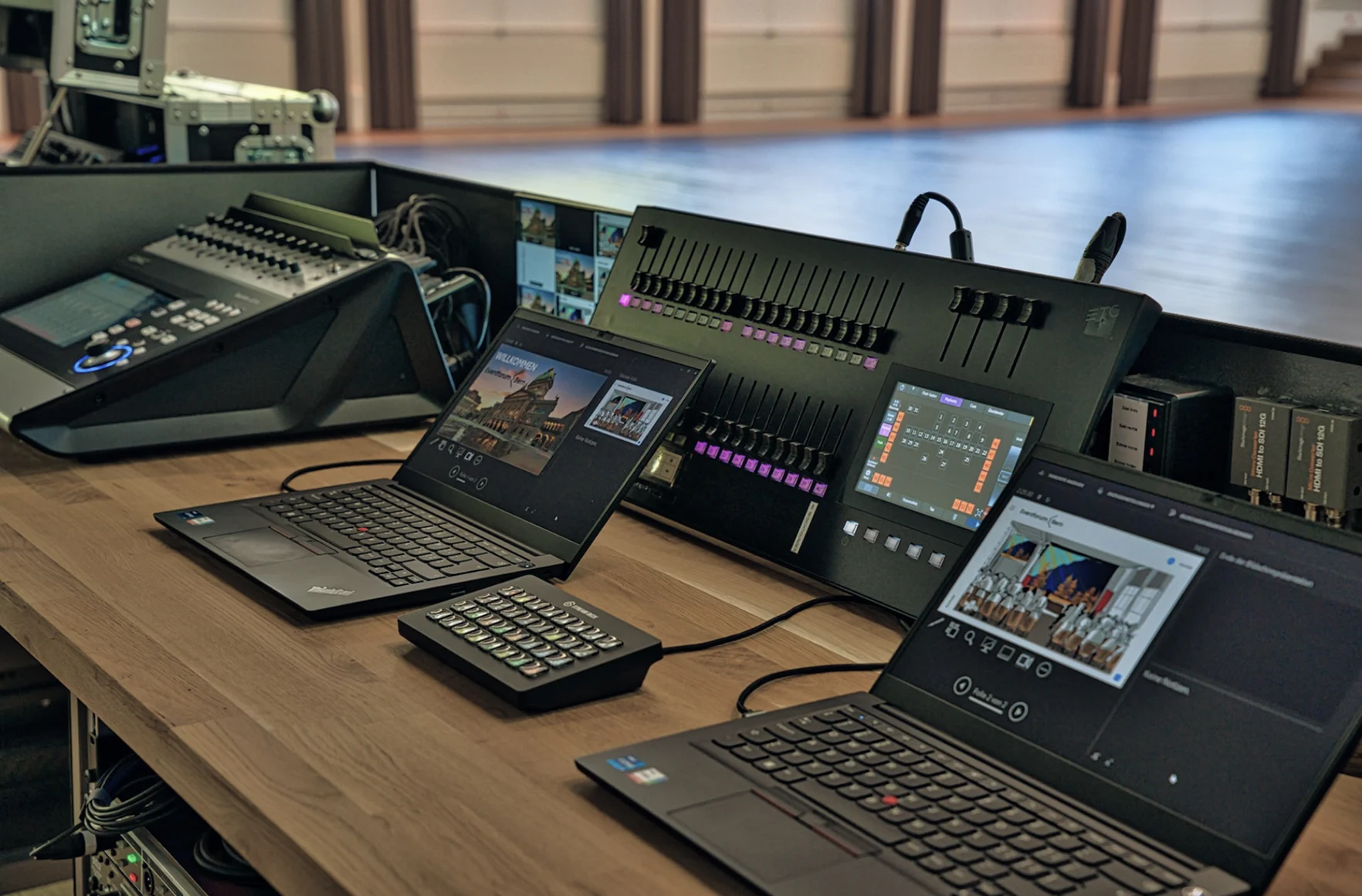
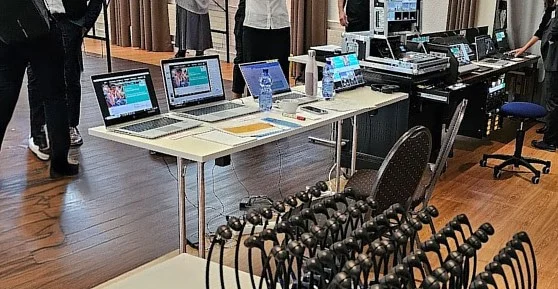
File delivery is part of event technology at the Eventforum Bern. Your presentations run on the LED walls of the event hall, video and sound through the control room, and on request in a live stream as well.
The team is happy to answer questions about formats and connections at info@eventforumbern.ch.
Frequently asked questions about file delivery
How do we get the link?
As soon as your event is booked in, the Eventforum gives you its own link. It takes you straight to your event’s page, without signing in. If you don’t have it to hand, enter the code at eventforumbern.ch/dateien or request a sign-in link by email.
Do we need an account or an app?
No. The page runs in the browser, without an account, an app or a form. Anyone who has the link can upload.
What can we upload, and how large may it be?
Anything that will be shown or played at your event: presentations, videos, images, logos, audio. Any file format works, whole folders too. With a link, very large files work as well, up to several hundred gigabytes. Without a link, the limit is 5 GB per file and 20 GB in total per day.
Until when can we upload?
The link is valid until one week after your event. Ideally upload your files a few days ahead, so there is enough time to prepare. If the link has expired, write to info@eventforumbern.ch.
What if the upload is interrupted?
If the connection drops, the page waits and carries on by itself. If you closed the page, open it again in the same browser and choose the same file once more. The upload continues where it stopped, for up to six days.
Who sees the files?
Only the Eventforum Bern team. Files are transferred encrypted. Anyone with the link only sees which files have arrived (name, size, time). They cannot be opened or downloaded there.
Can several people from our team upload?
Yes. Simply pass the link on. The sign-in link by email only goes to addresses the Eventforum has on file for the event. To add an address, write to info@eventforumbern.ch.
We don’t have a link. How do we send files?
Use Send files without a link: enter your email address and drag in the files. They go into a general area for the team, and using your address and the note, we assign them to the right event.